Recently, I was exploring the FastAPI micro-framework for Python. I found many interesting features in FastAPI, and while working on one of my projects, I tried to integrate Google OAuth2.
FastAPI is a modern, open-source, fast, and highly performant Python web framework used for building Web APIs. It is based on standard Python 3.6+ type hints.
I found that the documentation for Google OAuth2 login was somewhat sparse compared to other frameworks, so I decided to share my experience here.
FastAPI Setup
from typing import Optional
from fastapi import FastAPI, Request

app = FastAPI()
The Optional and FastAPI imports are standard for FastAPI applications. Optional is used for type support, which helps in validating user requests.
@app.get('/')
async def home(request: Request):
    user = request.session.get('user')
    if user is not None:
        return {"id": user.id}
    return {"error": "Unauthorized"}
Implementing Google Auth in FastAPI
FastAPI is built on top of Starlette. Since a FastAPI app is essentially a Starlette app, you can use the Authlib Starlette integration to create OAuth clients for FastAPI.
from authlib.integrations.starlette_client import OAuth
from starlette.config import Config

config = Config('.env')  # Read config from .env file
oauth = OAuth(config)
oauth.register(
    name='google',
    server_metadata_url='https://accounts.google.com/.well-known/openid-configuration',
    client_kwargs={
        'scope': 'openid email profile'
    }
)
The code above reads client_secret and client_id from a configuration file. If you want to configure them manually in your code, you can do so like this:
oauth.register(
    'google',
    client_id='...',
    client_secret='...',
    ...
)
Alternatively, you can read secrets directly from the environment:
from starlette.config import environ

oauth.register(
    'google',
    client_id=environ['CLIENT_ID'],
    client_secret=environ['CLIENT_SECRET'],
    ...
)
Final Initialization Code for OAuth
from authlib.integrations.starlette_client import OAuth
from starlette.config import environ

oauth = OAuth()
oauth.register(
    name='google',
    server_metadata_url='https://accounts.google.com/.well-known/openid-configuration',
    client_id=environ['CLIENT_ID'],
    client_secret=environ['CLIENT_SECRET'],
    client_kwargs={
        'scope': 'openid email profile'
    }
)
Unlike Flask or Django, the Starlette OAuth registry uses HTTPX. As part of this setup, ensure that httpx is installed:
pip install httpx
Creating Routes for Google Login and Callback
@app.route('/login/google')
async def login_via_google(request: Request):
    google = oauth.create_client('google')
    redirect_uri = request.url_for('authorize_google')
    return await google.authorize_redirect(request, redirect_uri)

@app.route('/auth/google')
async def authorize_google(request: Request):
    google = oauth.create_client('google')
    token = await google.authorize_access_token(request)
    user = await google.parse_id_token(request, token)
    print(user)
    # Set session or process the token and profile
    return {"user": user}
Using OAuth 2.0 to Access Google APIs
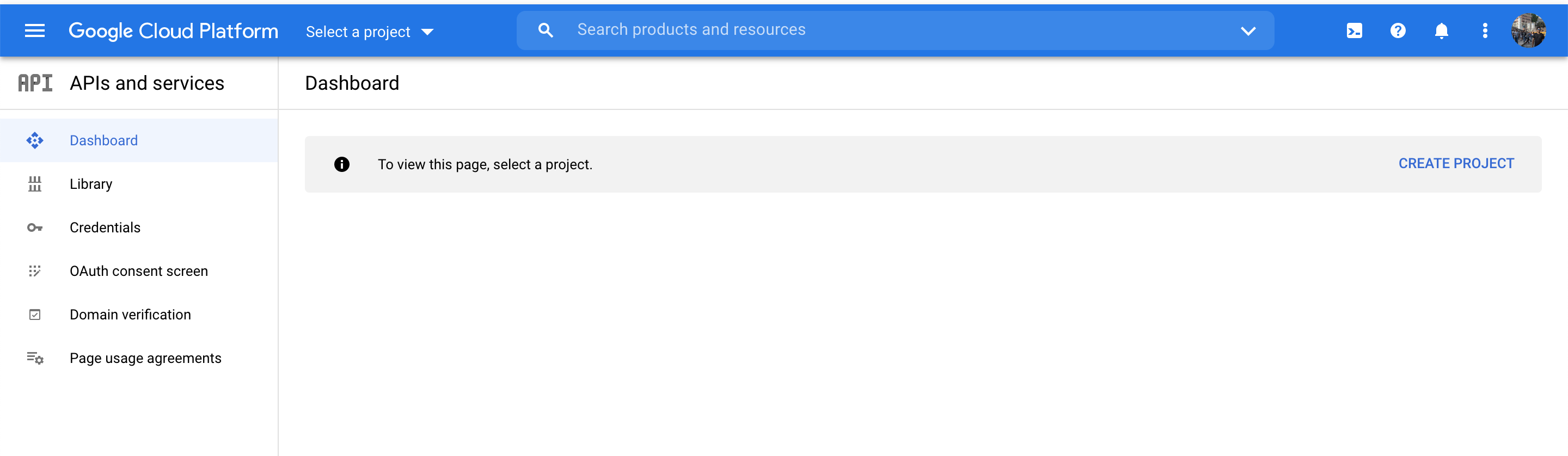
Go to the Google API Console, fetch your credentials, and save them in your project.
References: